

 Lifestyle & Wellness Desk
NIN Self-Service: NIMC Sets New Access Rules Tied to Your Original Device & Browser
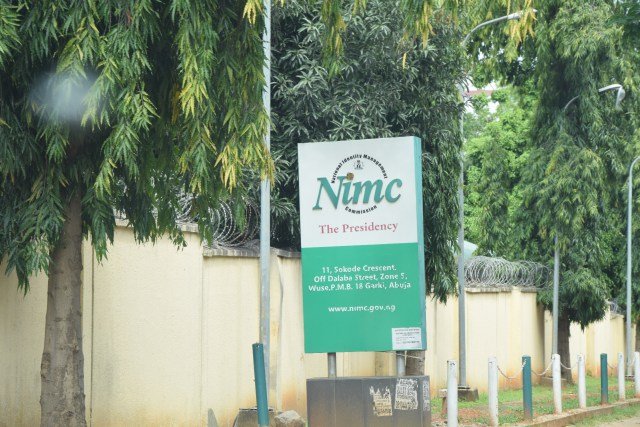
The National Identity Management Commission (NIMC) has issued fresh guidelines for Nigerians using its self-service portal to modify National Identification Number (NIN) records, emphasizing tighter access controls to improve data security.
NIMC, in a Thursday statement signed by Head of Corporate Communications, Dr. Kayode Adegoke, said a self-service account is locked to the exact device and browser used at registration. Attempts to sign in from any other device or browser may be blocked.
Key restrictions
- Device & browser lock: Your self-service account is uniquely linked to the browser and device you used when you created it.
- Access from unfamiliar setups: Logins from different devices/browsers can be denied by design.
Cache & unlock limits
- Don’t clear your cache: Clearing the browser cache can reset settings and trigger an account lock.
- Limited unlock attempts: If locked, you have up to five unlock requests. Exceeding this limit requires a formal unlinking before access can be restored.
NIMC urged users to follow the guidelines to avoid interruptions and ensure a smoother experience, noting these measures are in place to protect user identities and strengthen service delivery.
Background
The self-service modification portal is part of NIMC’s ongoing digitization drive. In October, the Commission stopped processing data modifications at enrollment centers and moved these activities online, highlighting the convenience of updating information securely from anywhere.

