

 Ifeanyi Enukorah
The AI-Enhanced Administrative Office: Driving Efficiency in School Leadership
As an Amazon Associate, I earn from qualifying purchases.
In my experience as a Principal Facilitator and Director of Learning and Development, I’ve observed a consistent challenge: “Decision Fatigue.” Modern school administrators are often overwhelmed by a mountain of data, scheduling conflicts, and staff coordination tasks that divert them from their primary mission: instructional leadership.
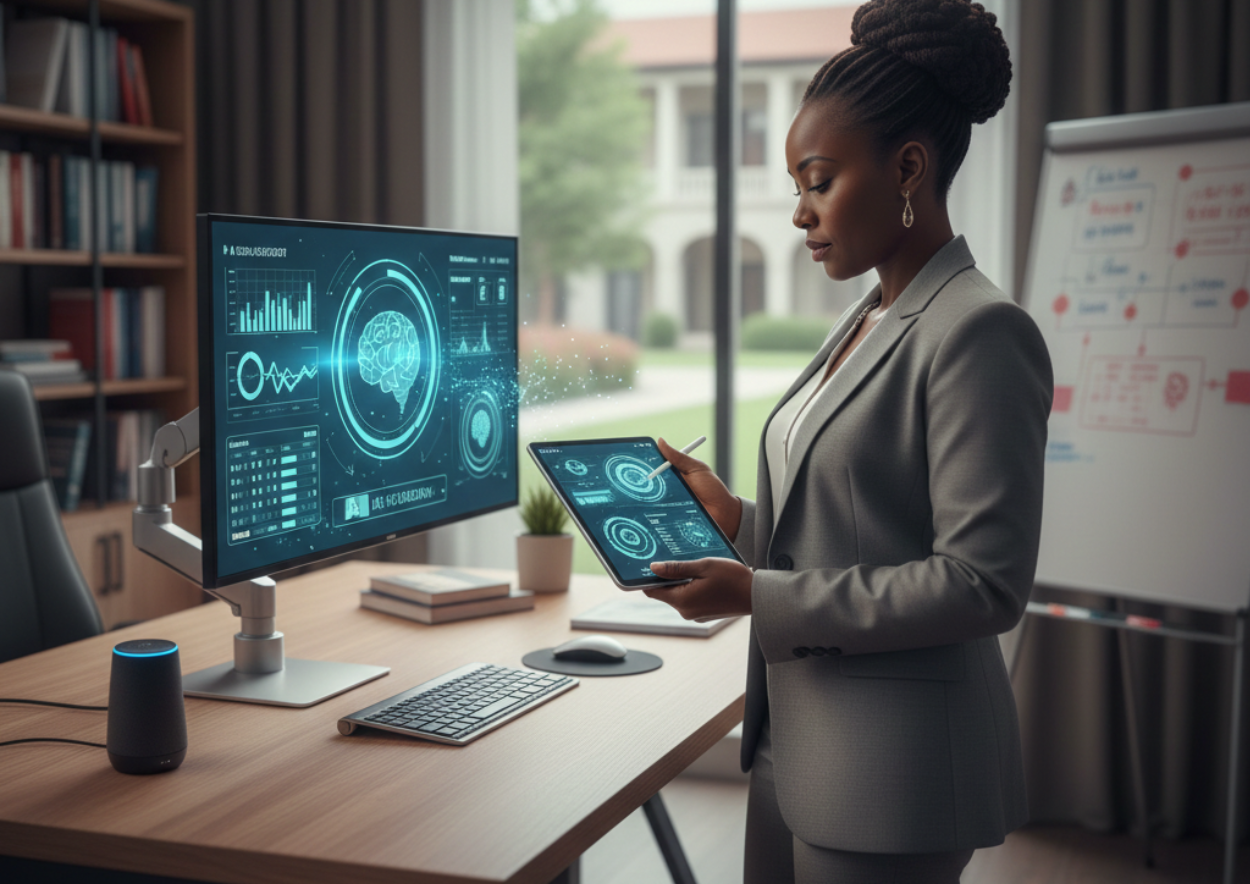
To move from being “busy” to being “strategic,” your physical workspace must evolve. Below are the essential tools I recommend for retrofitting your office into a high-efficiency command center.
- The Hub: The High-Performance Professional Tablet
For the modern “Edupreneur,” the desk is no longer the anchor. You need a device that transitions seamlessly from a budget meeting to a classroom walkthrough.
- Top Recommendation: Apple iPad Pro M4 (13-inch) or Samsung Galaxy Tab S11 Ultra.
- Why it works for you: These devices feature advanced AI engines (like Apple Intelligence and Google Gemini) that can instantly summarize long meeting transcripts, automate scheduling, and even help with “Sketch-to-Image” visualization for your next staff presentation.
- Facilitator Insight: I use my tablet for “Walking Leadership.” With a tablet and a stylus, I can record observations during a classroom visit and have them synced to the teacher’s professional development file before I even leave the room.
Check on Amazon (As an Amazon Associate, I earn from qualifying purchases):
Apple iPad Pro M4 – https://amzn.to/49JNOw6
Samsung Galaxy Tab S11 Ultra – https://amzn.to/4b2e3jT
- The Support: Ergonomic Workstation Essentials
Leadership is a marathon, not a sprint. If your physical environment causes strain, your mental performance will eventually decline.
- Top Recommendation: Adjustable Laptop/Tablet Risers and Standing Desk Converters.
- Why it works for you: Elevating your screen to eye level prevents the “neck tilt” that causes headaches during long administrative sessions. A standing desk converter allows you to switch between sitting and standing, keeping your energy levels high during the school day.
- Facilitator Insight: In our workshops on organizational excellence, we discuss the “90-degree rule”—your elbows should always be at a 90-degree angle when typing to avoid long-term wrist strain.
Check on Amazon (As an Amazon Associate, I earn from qualifying purchases):
Ergonomic Laptop Stand – https://amzn.to/4pLEHBc
Sit-Stand Desk Converters – https://amzn.to/3NsR8V0
- The Automation: Smart Speakers for the Front Office
While often seen as home gadgets, smart assistants like the Amazon Echo (Alexa) or Google Nest are powerful administrative partners.
- The Impact: Use them for hands-free timers during staff meetings, setting reminders for student pick-up transitions, or playing focus-enhancing background audio in the reception area.
Check on Amazon (As an Amazon Associate, I earn from qualifying purchases):
Alexa-Enabled Smart Speaker – https://amzn.to/4b6Px18

