

 Lifestyle & Wellness Desk
EDTECH FOR SPECIAL EDUCATION: TOOLS THAT SUPPORT INCLUSIVE LEARNING
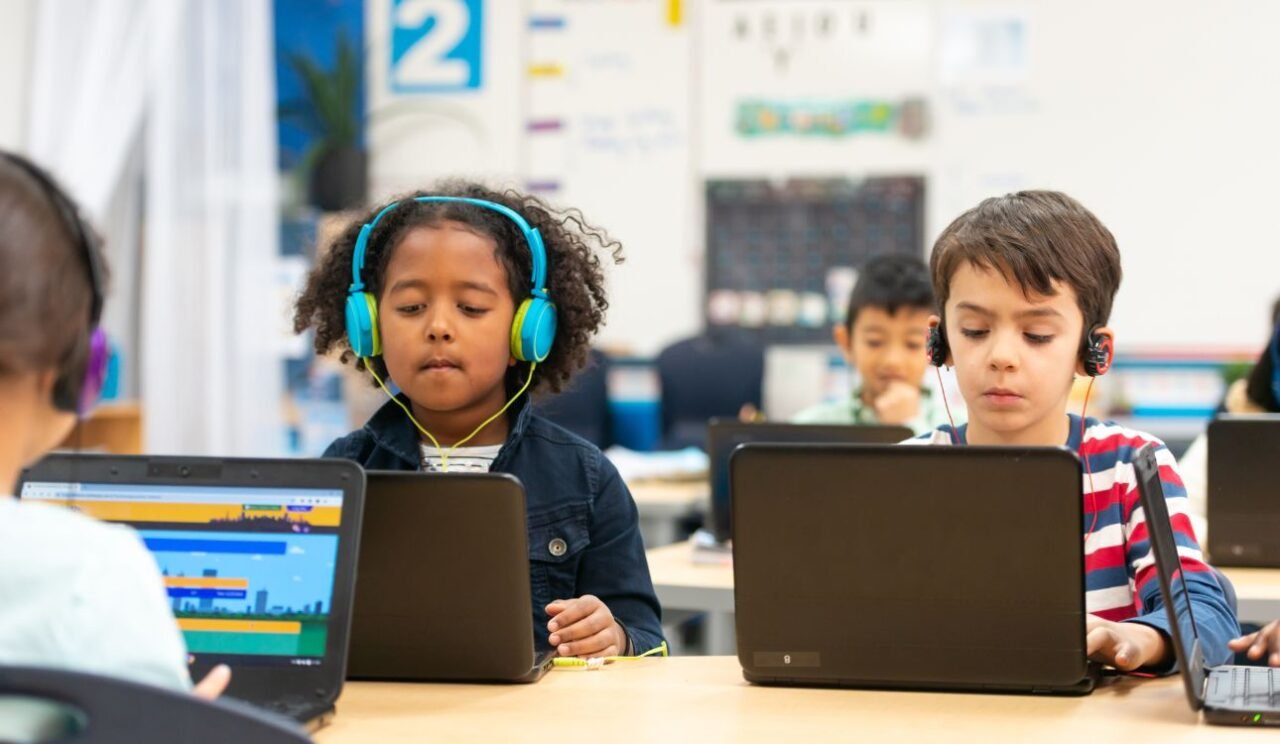
Special education is one area where technology is making a profound difference, providing tools that enable students with diverse learning needs to thrive in the classroom. These EdTech tools help students with physical, cognitive, and learning disabilities overcome challenges, allowing them to engage, learn, and express themselves more fully. Here’s a look at some essential EdTech tools that support inclusive learning for students with disabilities.
- Speech-to-Text Apps: Supporting Students with Writing or Motor Challenges. Speech-to-text technology transforms spoken words into text, helping students who struggle with writing due to motor challenges or dyslexia. With these apps, students can participate in written assignments, express their ideas clearly, and communicate more effectively. Many apps integrate with common platforms like Google Docs, so students can create written work using their voice.
Examples:
- Dragon NaturallySpeaking: This software offers highly accurate speech recognition and adapts to individual voice patterns.
- Google Voice Typing: Available in Google Docs, this free tool provides a simple speech-to-text solution.
How It Helps: Speech-to-text apps give students who face writing challenges a way to complete assignments independently, boosting their confidence and participation.
2. Visual Timers and Organizers: Aiding Students with Autism or ADHD
Time management and organization can be challenging for students with autism or ADHD. Visual timers and organizers break down tasks into manageable steps and provide visual cues to help students understand time allocation. These tools promote independence and reduce anxiety by offering a clear structure for daily activities.
Examples:
- Time Timer: This visual timer uses color to represent time passing, helping students see how much time is left for a task.
- Choiceworks: This app helps students organize their day, plan routines, and stay on track with visual schedules.
How It Helps: Visual timers and organizers help students focus, complete tasks, and transition smoothly between activities, creating a more predictable learning environment.
3. Reading Support Apps: Tools for Students with Dyslexia or Visual Impairments. Reading support apps are designed to assist students with reading disabilities like dyslexia or visual impairments, offering features such as text-to-speech, dyslexia-friendly fonts, and customizable reading settings. These apps empower students to read at their own pace and access the same learning materials as their peers.
Examples:
- Bookshare: An extensive library of accessible ebooks for individuals with reading barriers, allowing students to listen to or adjust the text for easier reading.
- Voice Dream Reader: This app supports text-to-speech and offers customization options for font, text color, and background to support students with dyslexia.
How It Helps: Reading support apps make reading accessible to all students, enabling those with reading difficulties to independently engage with class materials and improve their literacy skills.
4. Communication Boards and Augmentative and Alternative Communication (AAC) Devices
For students with limited or no verbal communication abilities, AAC devices and communication boards provide ways to express thoughts and needs. These tools allow students to participate in conversations, answer questions, and engage socially, breaking down communication barriers.
Examples:
- Proloquo2Go: A symbol-based communication app that helps nonverbal students create sentences and interact with others.
- TouchChat: Another AAC app that enables students to communicate by selecting words or symbols on a tablet or smartphone.
How It Helps: AAC devices support students in communicating effectively, enhancing social inclusion and allowing them to interact more freely with teachers and peers.
5. Mind Mapping and Note-Taking Tools: Enhancing Cognitive Support for Diverse Learning Needs
Mind mapping and note-taking tools help students with memory, organization, or processing challenges. These apps allow students to organize ideas visually, making complex information easier to understand and recall. They’re particularly helpful for students with ADHD or learning disabilities.
Examples:
- MindMeister: A mind-mapping tool that lets students visualize information and organize thoughts.
- Notability: An app that combines note-taking with multimedia options, enabling students to record audio notes and integrate visual elements.
How It Helps: These tools enable students to organize their thoughts and ideas effectively, supporting memory retention and helping them study or complete projects independently.
Conclusion
With the right EdTech tools, special education can be more inclusive, allowing students with disabilities to access and participate in learning in new ways. Technology helps break down barriers and empowers students with diverse needs, fostering independence, engagement, and a sense of belonging. By integrating these tools into the classroom, educators can create a supportive environment that enables every student to reach their potential.

